


Reena Sommer | 25 Jul 2025


Data center downtime can have a huge negative impact, ranging from damage to a data center's reputation to massive financial costs. According to the Ponemon Institute, data center downtime costs can range from $38,969 to $1,017,746 per organization, with an overall average cost of $505,502 per incident. That equates to over $5,000 per minute, making every second of unplanned failure a high-stakes event. Even with these risks, the majority of data facilities still rely on spreadsheets, paper logs, or disconnected tools instead of proper data center management software to manage their critical asset infrastructure. This leads to lapses in monitoring, sluggish response times, and risky situations due to equipment failures that could have been avoided.
In data center environments where uptime is non-negotiable, systems are tightly interconnected, and all assets must be monitored, maintained, and tracked to meet rigorous service-level agreements and regulatory mandates. This is where data center software becomes a vital tool for achieving reliable, consistent operations.
A CMMS is data center management software that helps manage and maintain your maintenance program cost-effectively. It enables companies to manage preventive work, inspect assets, track work orders, and compile reports, all within the same digital space. Platforms like Click Maint bring this functionality together in one place, giving data center teams a clearer, more proactive way to stay on top of critical infrastructure.
This article explores what you need to know about data center software. What it does, how it impacts operations, and why it's critical in today's digital-first economy. If you're working with a single server room or a sprawling multi-site operation, familiarity with data center management software is key to increasing reliability, minimizing downtime, and staying ahead of expensive, unexpected interruptions.

Why Maintenance in Data Centers is Crucial
Downtime is Extremely Costly
In data centers, even a few minutes of unplanned downtime can result in thousands of dollars in losses. Beyond financial impact, service interruptions can damage reputation, violate SLAs, and disrupt operations for end users.
Systems are Highly Interdependent
Data centers rely on a complex web of critical infrastructure. HVAC units, UPS systems, backup generators, cooling towers, and IT hardware, all of which must work in seamless coordination. A failure in one component can trigger a chain reaction, leading to a complete system failure.
Uptime Standards are Non-Negotiable
Many facilities operate under Tier III or Tier IV classifications, which require 99.982% to 99.995% uptime. Achieving this level of reliability demands a rigorous maintenance strategy backed by robust scheduling and monitoring tools.
Compliance and Documentation are Essential
Data centers need to keep updated records on what maintenance and inspections are conducted, as well as any repairs, to adhere to requirements like ISO 27001 (or SSAE 18, or HIPAA). Without a trusted system, passing audits and securing systems can be significant challenges.
Challenges of Maintaining a Data Center without CMMS
Lack of Visibility and Control
Without a centralized system, monitoring asset conditions, the history of servicing, and upcoming maintenance becomes challenging, and hence leads to a loophole in observing the asset, resulting in teams making decisions reactively.
Unplanned Downtime
Traditional maintenance also exposes the company to missed or forgotten inspections and subsequent repairs, which lead to unscheduled equipment shutdowns and downtime.
Inefficient Workflows
Coordinating tasks without a CMMS often involves spreadsheets, emails, or paper logs, which slows down response times and creates confusion among technicians.
Poor Record-Keeping
Critical maintenance records and compliance documentation may be scattered or incomplete, making audits stressful and increasing the risk of regulatory penalties.
Limited Accountability
It’s challenging to track tasks, onboarding processes, technician performance, and vendor reliability without automation, which leads to accountability problems and compromised service quality.
Lack of Data-Driven Insights
Outlined data hinders the ability to analyze trends, predict failures, or schedule an investment in capital equipment, and thus prohibits strategic planning.
Benefits of CMMS in Data Centers
Reduced Downtime
One of the most significant benefits of implementing CMMS software in a data center is the ability to reduce downtime. Predictive maintenance and automated scheduling enable teams to predict and address issues before they cause more damage or system hiccups, both of which contribute to uptime and service availability.
Operational Efficiency
CMMS improves maintenance processes by eliminating paper-based tracking and manual coordination, which in turn enables teams to work more effectively and efficiently.
Data-Driven Decision-Making
CMMS collects historical asset performance data and repair and maintenance histories, which can then be used for smarter capital planning, budget forecasting, and ordering upgrades or replacements based on their actual usage.
Longer Asset Lifespan
Regular preventative maintenance, combined with comprehensive service history tracking, allows for the extension of the life of key assets, such as HVAC units, UPS systems, and generators. That means less replacement costs and a greater return on investment.
Regulatory Compliance and Risk Reduction
CMMS platforms ensure that all maintenance activities are documented and time-stamped, making it easier to comply with industry standards and audit requirements. This reduces liability risks and strengthens overall data center governance.
How CMMS Supports Remote and Multi-Site Data Centers
Centralized Oversight Across All Locations
A CMMS puts facility and maintenance managers in the driver’s seat with a single dashboard to keep tabs on maintenance, asset performance, and technician activities in their data centers from location to location. This unified data presentation ensures uniformity in servicing levels and the application of standard policy across a region.
Real-Time Monitoring and Cloud Syncing
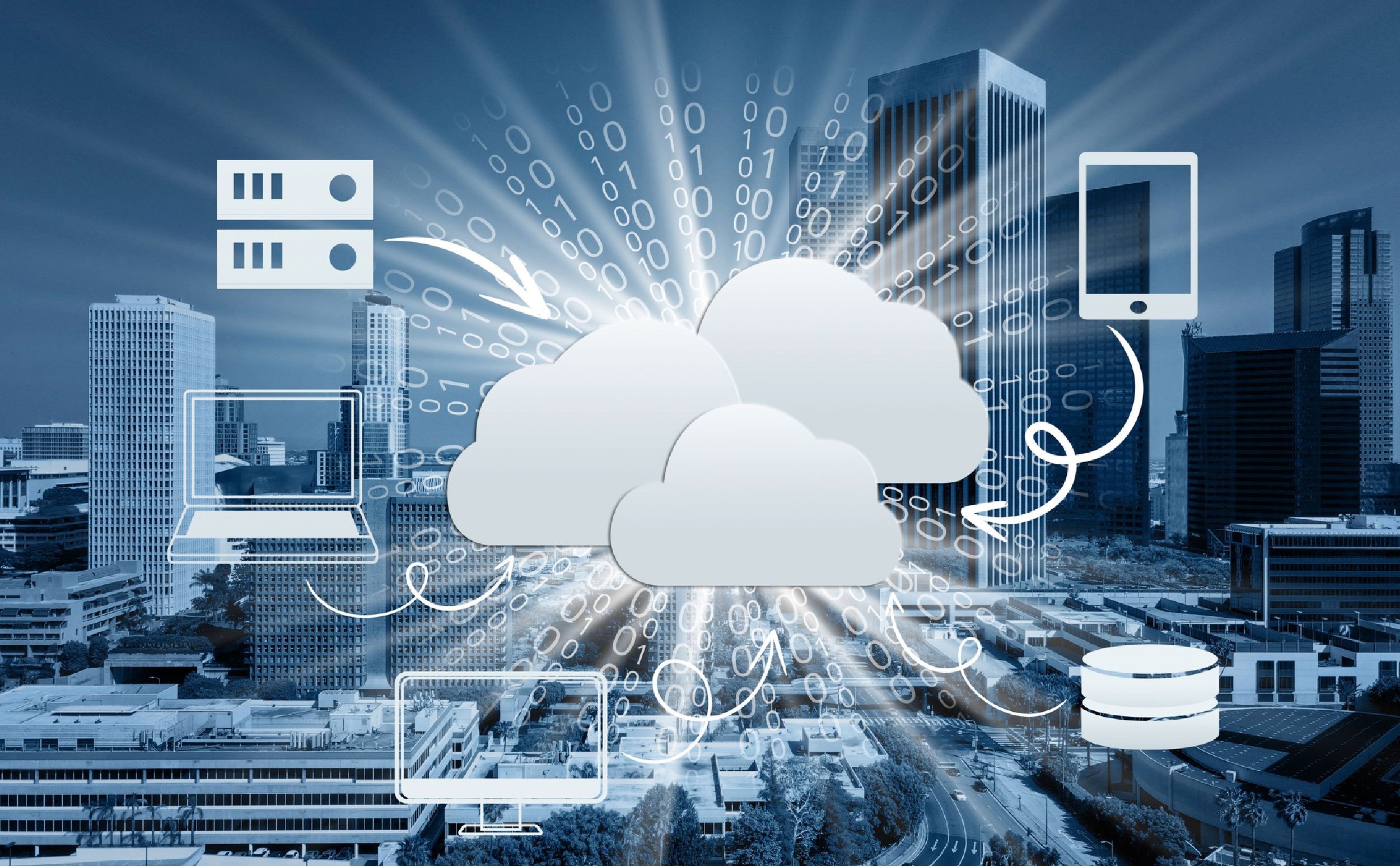
With cloud deployment, CMMS solutions offer the ability to sync data in real-time. Edits, such as closed work orders or status changes of assets, performed in one place are simultaneously reflected to everyone who has access. This creates frictionless coordination and prevents the siloing of information.
Mobile Access for On-the-go Teams
If technicians need to work in the field or are at satellite facilities, the CMMS can be accessed via a tablet or smartphone. They can receive task instructions, scan barcodes with equipment, update work orders, and attach photos and notes without needing to return to a brick-and-mortar office. Such mobility enables rapid response times and precise data collection, even in large or widely dispersed data center configurations.
Core Features of a CMMS for Data Centers
Asset & Equipment Tracking
A data center CMMS allows you to track all critical infrastructure. Each asset is logged with location, condition, maintenance history, and performance data, making it easy to monitor health and plan service.
Preventive Maintenance Scheduling
Automatic scheduling of inspections, tests, and calibrations ensures that unforeseen failures are avoided. Preventative jobs can be scheduled to run on cycles, by hours, or according to a calendar, to guarantee regular service to all assets.
Work Order Management
The CMMS acts as a single point of orchestration for technicians to open, update, and close work orders. Prioritization levels, task deadlines, and checklists expedite the job flow process, as well as accountability.
Condition Monitoring & Alerts
By connecting with IoT devices and BMS systems, a CMMS can send real-time alerts for extreme temperature increases, voltage changes, or hardware issues, for immediate attention to possible breakdowns.
Documentation & Compliance Reporting
Similarly, all maintenance activities are logged, and facilities can use the CMMS to ensure they are compliant with regulations.
Vendor and Contractor Coordination
CMMS enables seamless collaboration between the company and 3rd party vendors, and also simplifies tracking of performance.
Choosing the Right CMMS for Your Data Center
Cloud-Based and Secure
A cloud-based CMMS ensures real-time data access, remote coordination, and regular backups. It should also offer strong encryption, user access controls, and compliance with industry security standards to protect sensitive data on its infrastructure.
Scalable and Customizable
Your CMMS should evolve with your data center operations. Look for software that can handle multiple sites, user roles, and asset types. Customizable workflows, reporting templates, and asset categories allow you to tailor the system to your specific needs.
Mobile-Ready Functionality
A mobile CMMS means that technicians can work right from their phone or tablet, making it easy to pull up and add updates to project notes while on the go. This results in increased productivity on site, quicker work completion, and the ability to issue updates logged in real-time irrespective of location.
Integration with BMS and DCIM Tools
Built on your existing Building Management System (BMS) and Data Center Infrastructure Management (DCIM) systems, the CMMS addresses all the needs within the data center. This enables the frictionless flow of data and a holistic view of facility operation.
Implementation Tips: Getting the Most Out of CMMS
Assess Your Needs
Start by examining the maintenance procedures for your data center, asset inventory, team workflows, and everything else. Determine pain points and goals to help you set software.
Plan Strategically
Develop clear goals, designate project roles, and confirm the timeline for implementation. Create alignment in your organization and engage everyone from IT and the maintenance team.
Customize the System
Customize your CMMS to fit your organizational structure. Set up what asset types you have, who can use them, when maintenance is due, and your report layouts.
Train Your Team
Provide hands-on training for technicians, managers, and administrators. Ensure everyone understands how to navigate the system, log tasks, and generate reports.
Launch Gradually
Test it out in a phased rollout to one site or department and then expand it. This perspective enables you to identify any early failures and make adjustments accordingly.
Review and Improve
Track the utilization of the system, gather feedback, and make updates to the process or workflows as appropriate.
Common Mistakes to Avoid
Poor Planning
Trying to do too much at once: One of the common CMMS implementation failures is attempting to turn on too many features all at once. If you overload the system with too many features or you unleash it on users too early, they become overwhelmed, and the adoption is low.
Inadequate Training
Another issue is failing to properly train and onboard the correct stakeholders early in the process. Incomplete or outdated information on assets can also be a problem, as it leads to inaccurate reports and unreliable maintenance schedules.
Lack of Assessment
Finally, ignoring post-launch evaluation and assessment can lead to such operability stagnation. Ongoing review and enhancement are necessary if you want to realize lasting value from your CMMS purchase.
Final Thoughts - Powering Data Reliability
In mission-critical environments like data centers, where uptime, efficiency, and regulatory compliance are essential, a CMMS delivers the visibility and structure needed to sustain peak operational performance. CMMS software goes beyond being a simple maintenance tracking tool, it serves as a strategic asset that strengthens risk mitigation, long-term reliability, and data-driven decision-making. By leveraging asset management to forecast maintenance requirements and streamline audits, a robust CMMS transforms reactive maintenance into a proactive strategy. Decision-makers should view CMMS software as an integral, strategic component of data center planning.
TABLE OF CONTENTS






