print
Print
bookmark
Bookmark

See How Click Maint Works

Take a guided tour of the complete Click Maint CMMS platform and see how every module works together to streamline your maintenance operations. Explore maintenance Requests, Work Orders, Preventive Maintenance, Assets, Inventory, interactive Floor Plans, Reports, and more—all in one easy-to-follow walkthrough. Discover why organizations choose Click Maint for its ease of use, fast implementation, and powerful maintenance management capabilities.
Maintenance Dashboard
Dashboard Screenshot
Tour Screenshot
Full Platform Tour

Complete Tour - All In One

Take a guided tour of the complete Click Maint CMMS platform and see how every module works together to streamline your maintenance operations. Explore maintenance requests, work orders, preventive maintenance, assets, inventory, interactive floor plans, reporting, and more—all in one easy-to-follow walkthrough. Discover why organizations choose Click Maint for its ease of use, fast implementation, and powerful maintenance management capabilities.
Tour Screenshot
Request Portal

Maintenance Requests

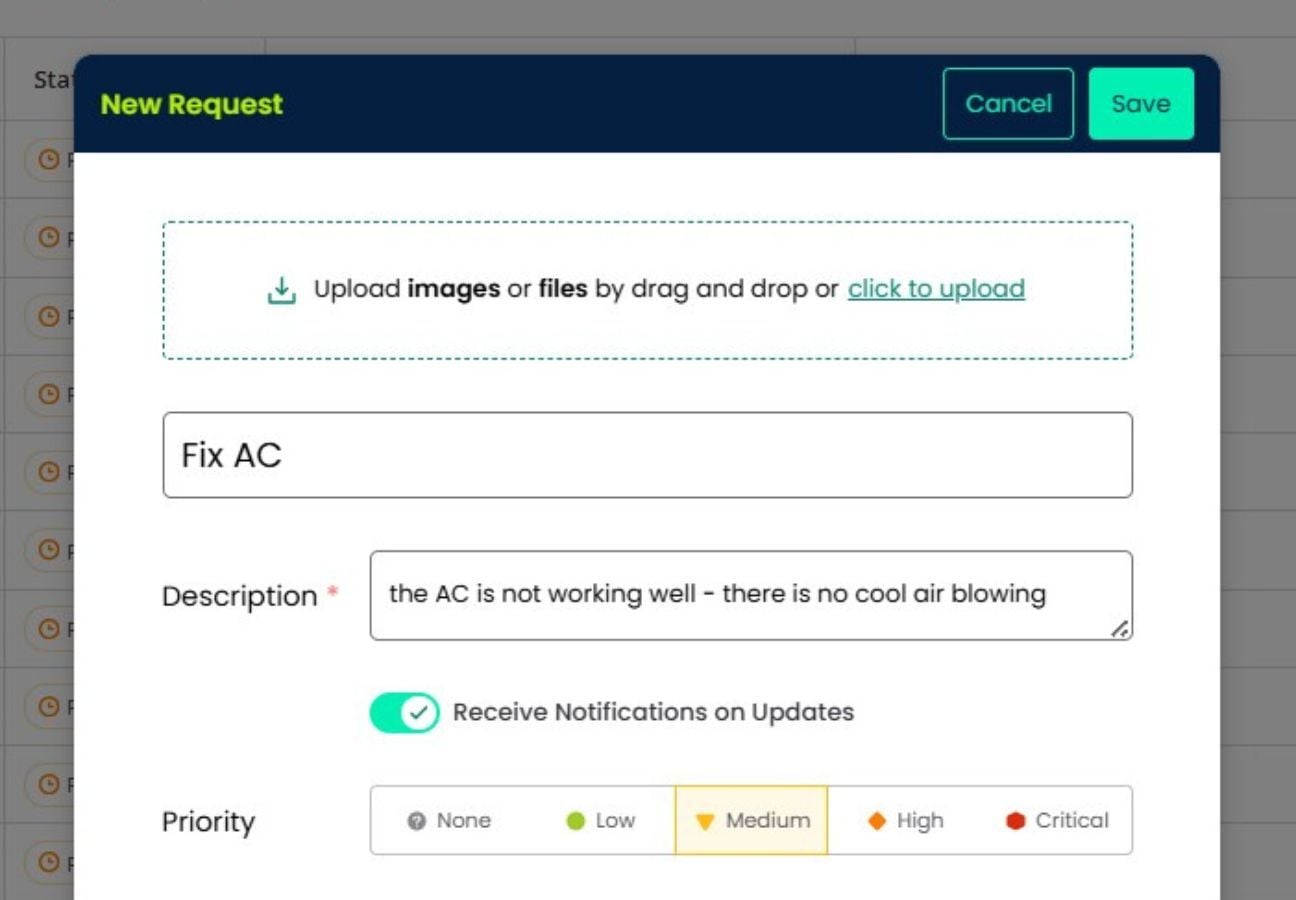
Make it easy for anyone to submit maintenance requests. Requesters can securely log in to Click Maint, use the self-service Request Portal, or simply send an email to automatically create a request. Route requests to the right team, track progress from submission to completion, and ensure nothing falls through the cracks.

Tour Screenshot
Work Orders

Work Orders

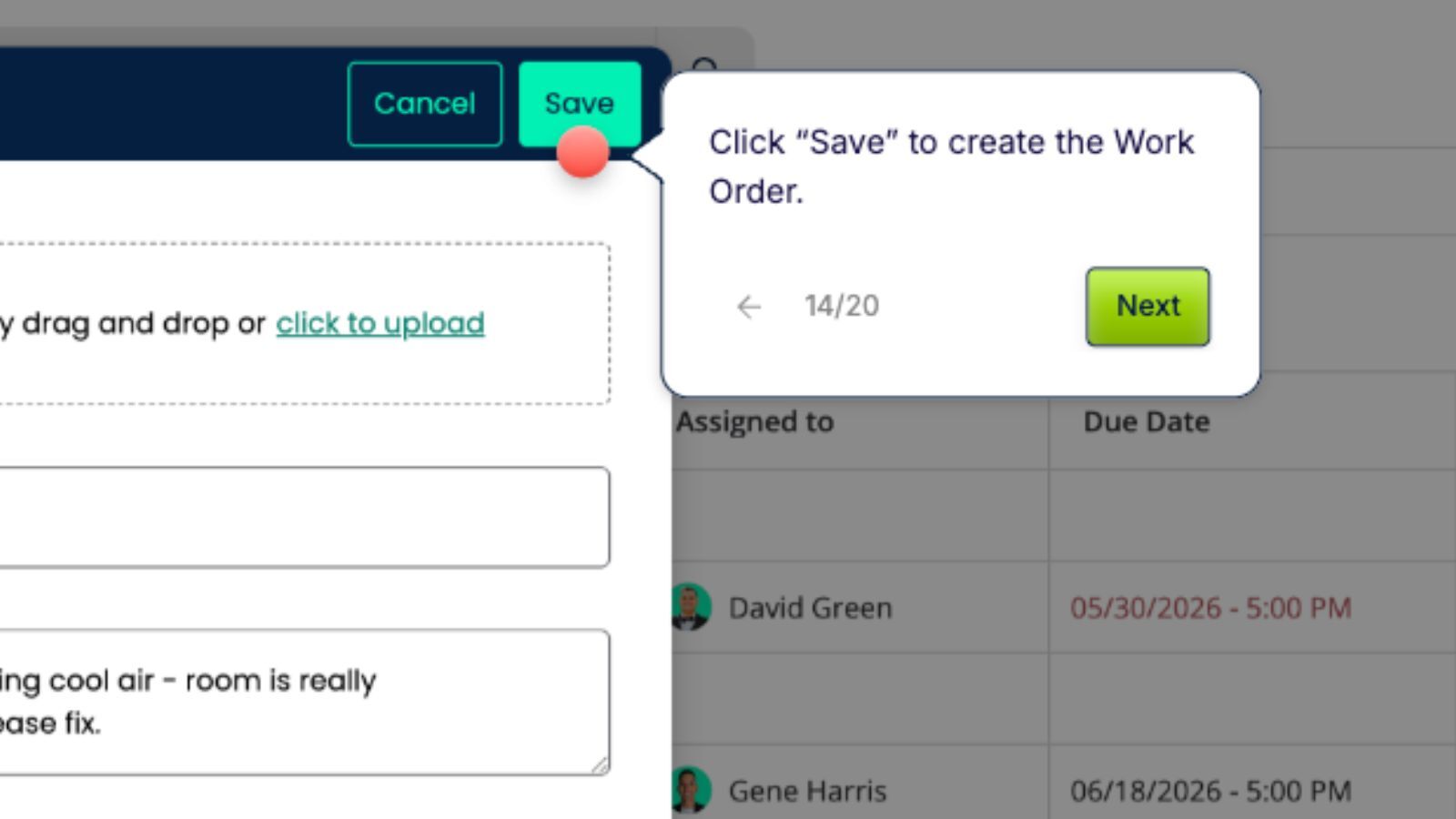
Create, assign, prioritize, and complete work orders with an intuitive workflow that keeps your maintenance team organized. Track labor, materials, photos, downtime, and completion history from any device. Give technicians everything they need to get the job done faster.

Tour Screenshot
Scheduling

Preventive Maintenance

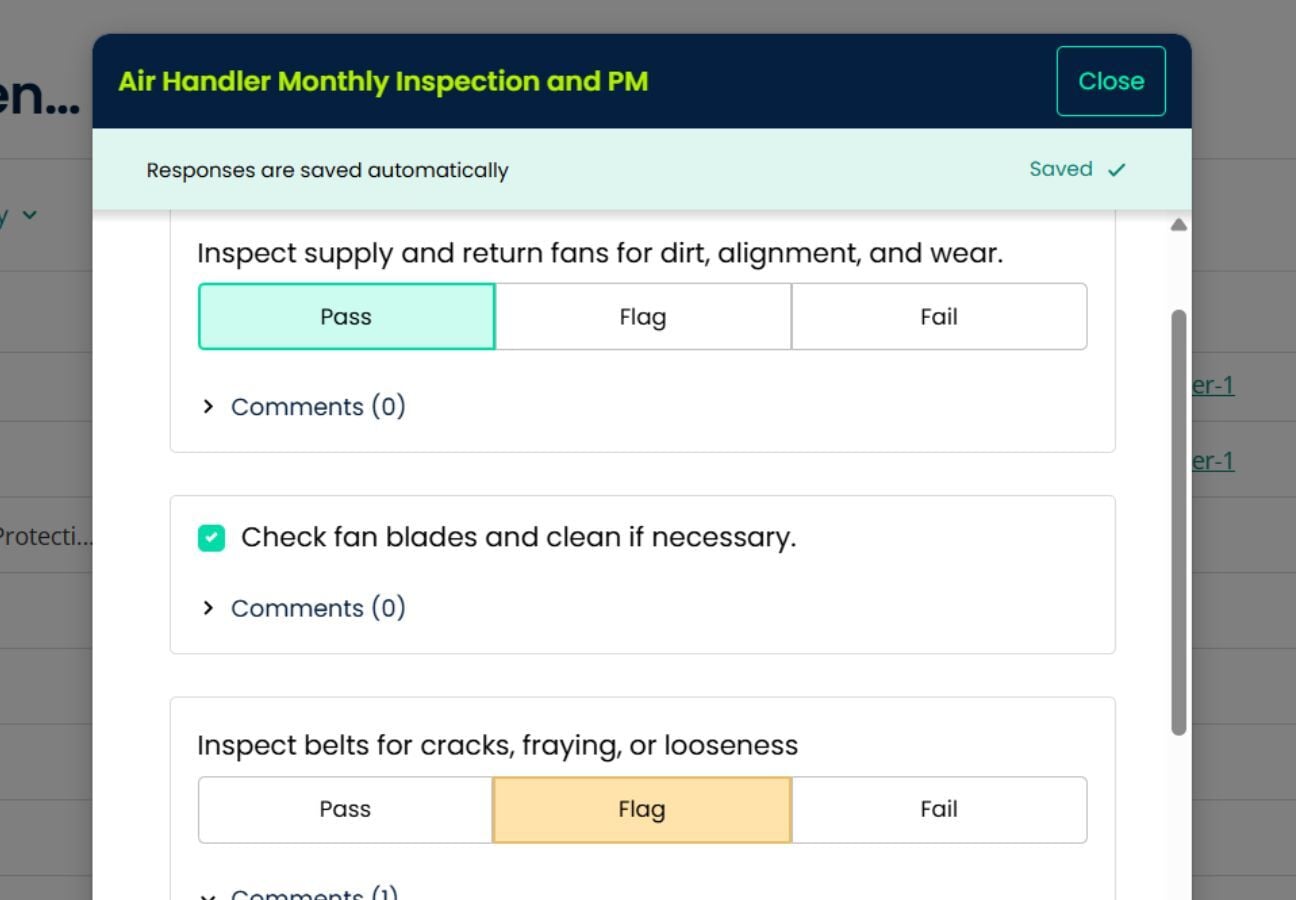
Automate preventive maintenance schedules to reduce equipment failures and extend asset life. Standardize inspections with customizable procedures, checklists, images, and electronic signatures to ensure maintenance is completed consistently. Spend less time reacting to breakdowns and more time preventing them.

Tour Screenshot
Asset History

Assets

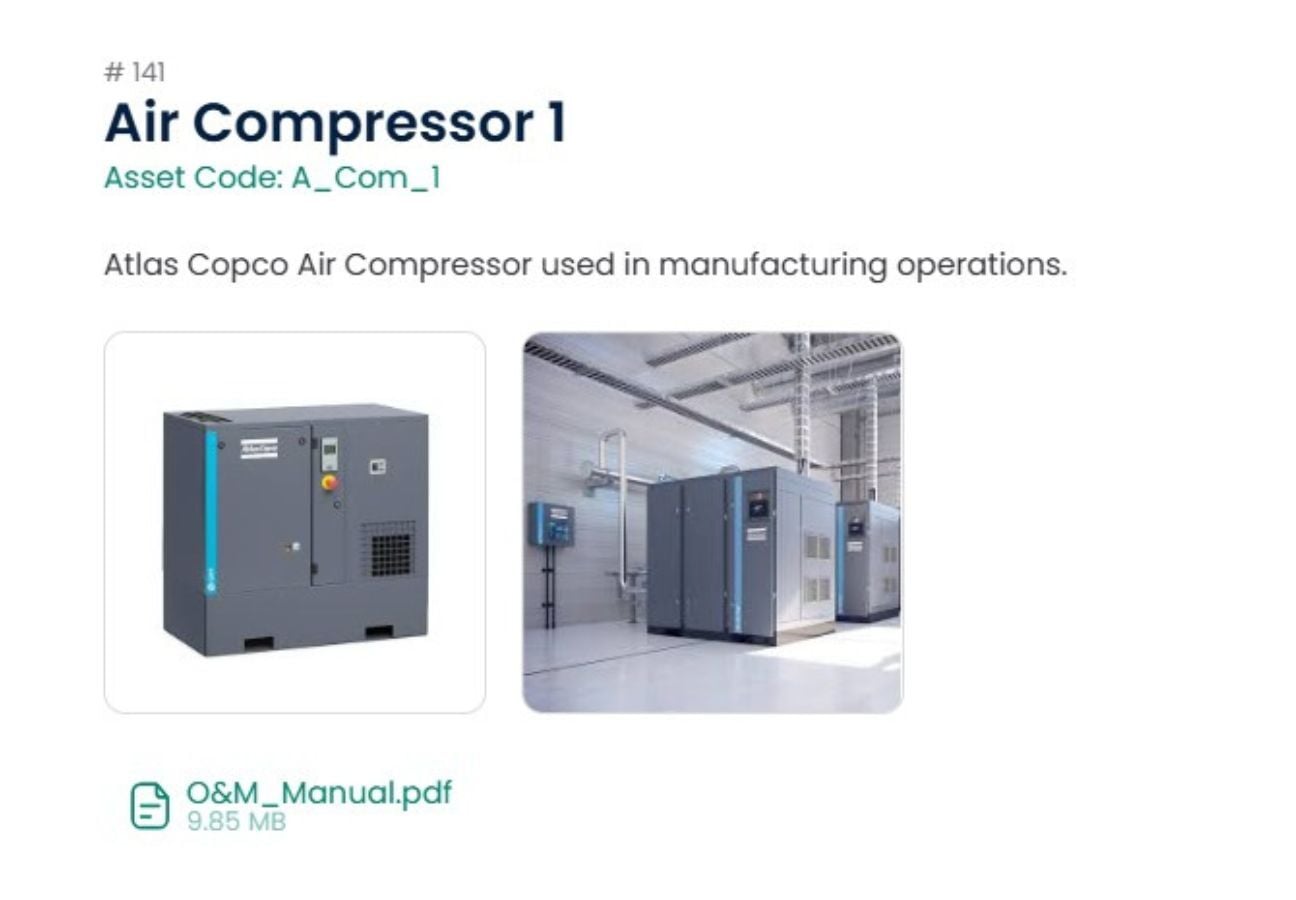
Maintain a complete history of every asset in one centralized location. Track maintenance history, warranties, manuals, costs, locations, and critical asset information throughout its lifecycle. Make smarter maintenance decisions with complete visibility into your equipment.

Tour Screenshot
Parts Control

Inventory & Parts

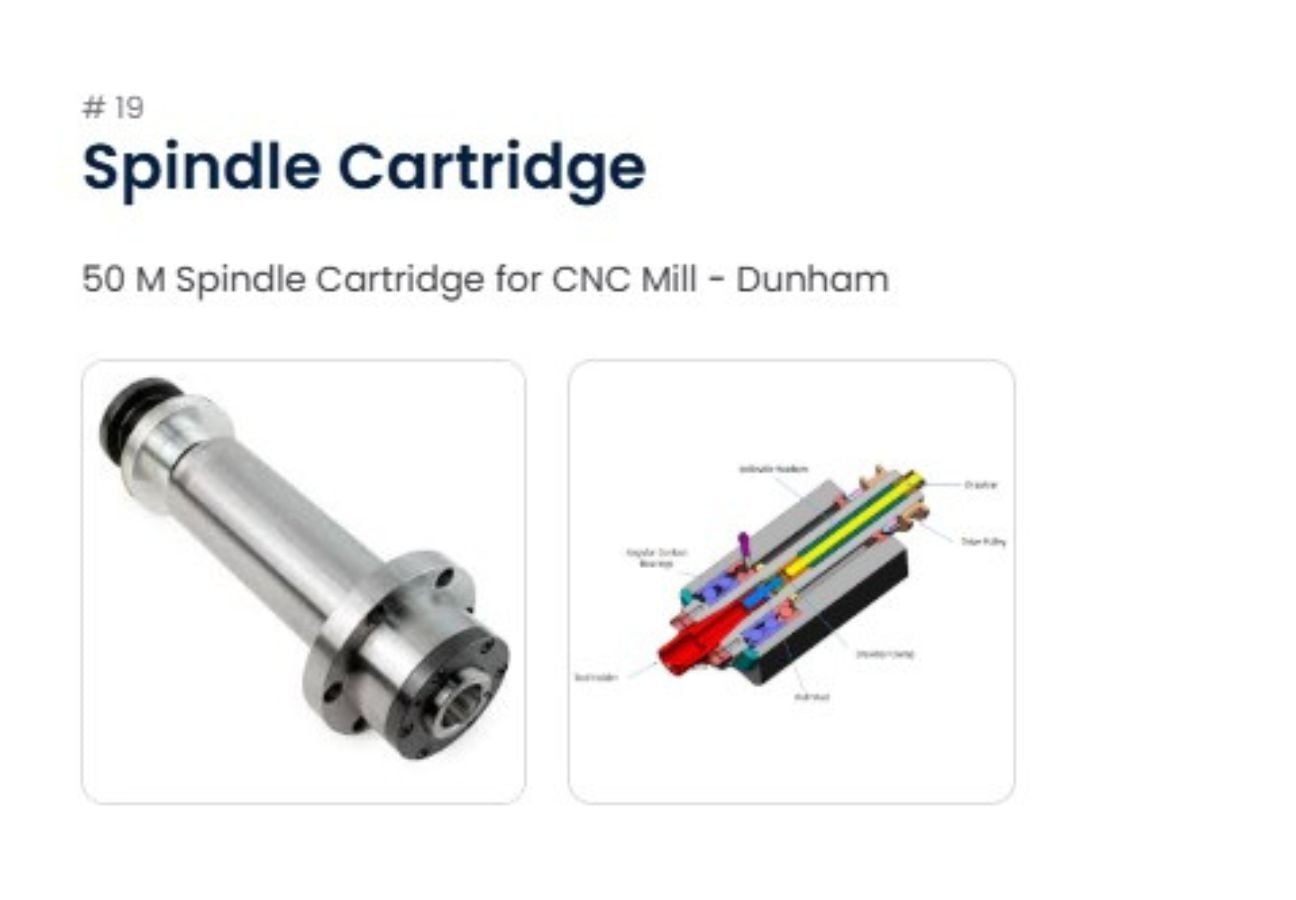
Keep spare parts organized and available when they're needed most. Track inventory levels, part usage, costs, suppliers, and storage locations while linking parts directly to work orders and assets. Reduce downtime by ensuring the right parts are always within reach.

Tour Screenshot
Floor Plans

Interactive Site & Floor Plans

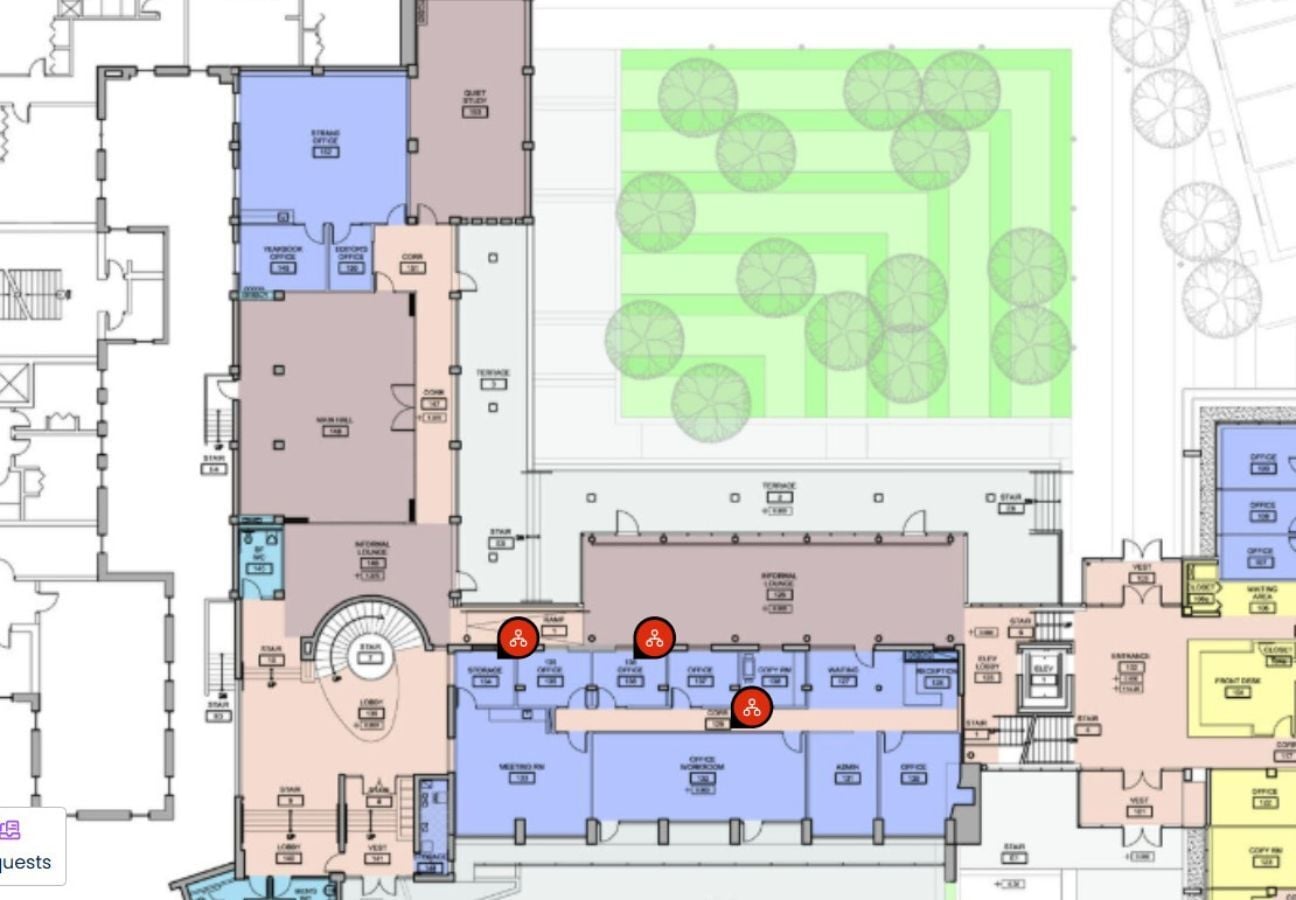
Bring your facilities to life with interactive site maps and floor plans. Plot assets directly on building layouts so technicians can quickly locate equipment, launch work orders, and access asset information with just a few clicks. Perfect for hospitals, schools, manufacturing facilities, commercial buildings, and multi-site organizations.

Tour Screenshot
Dashboards

Reports & KPIs

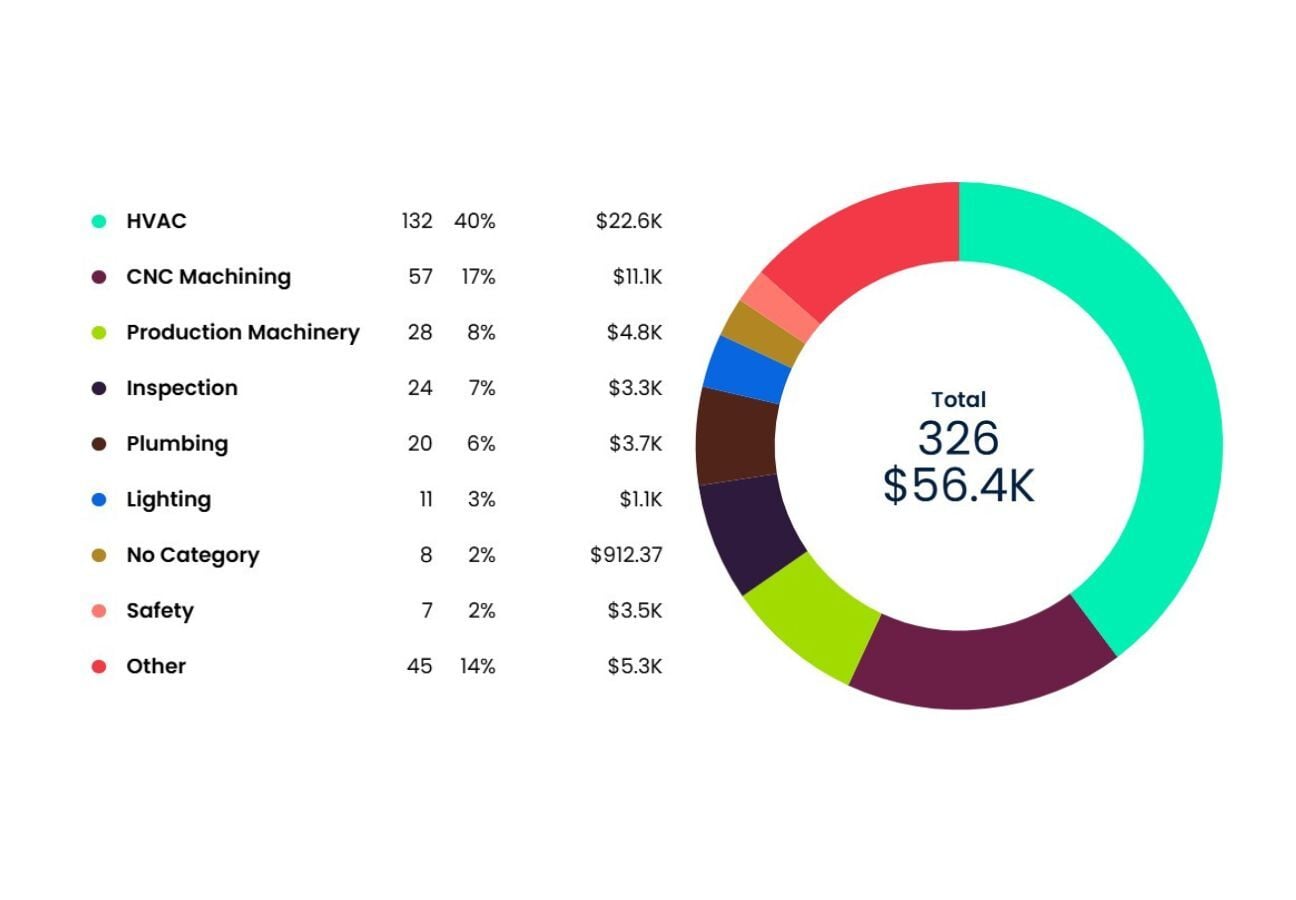
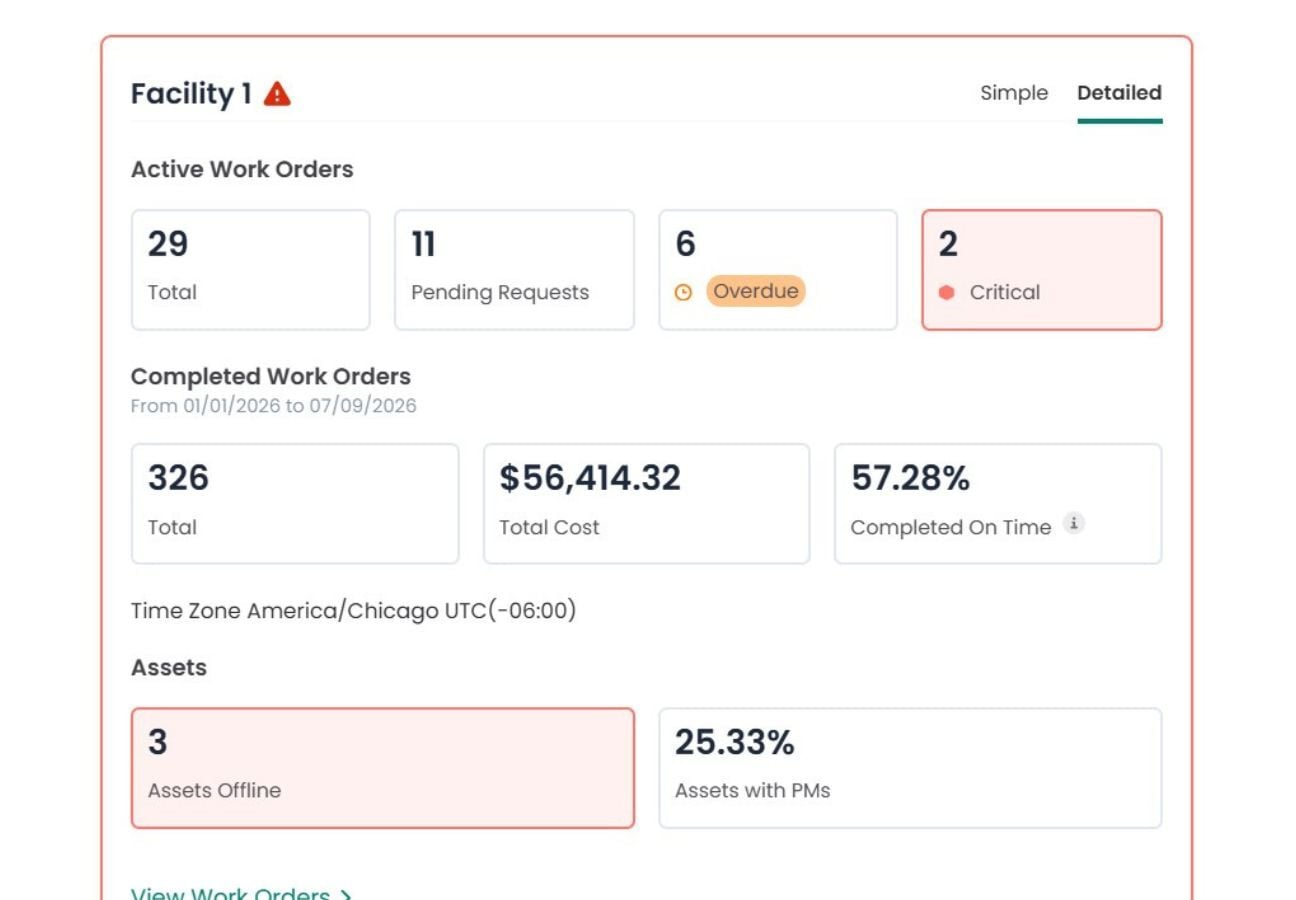
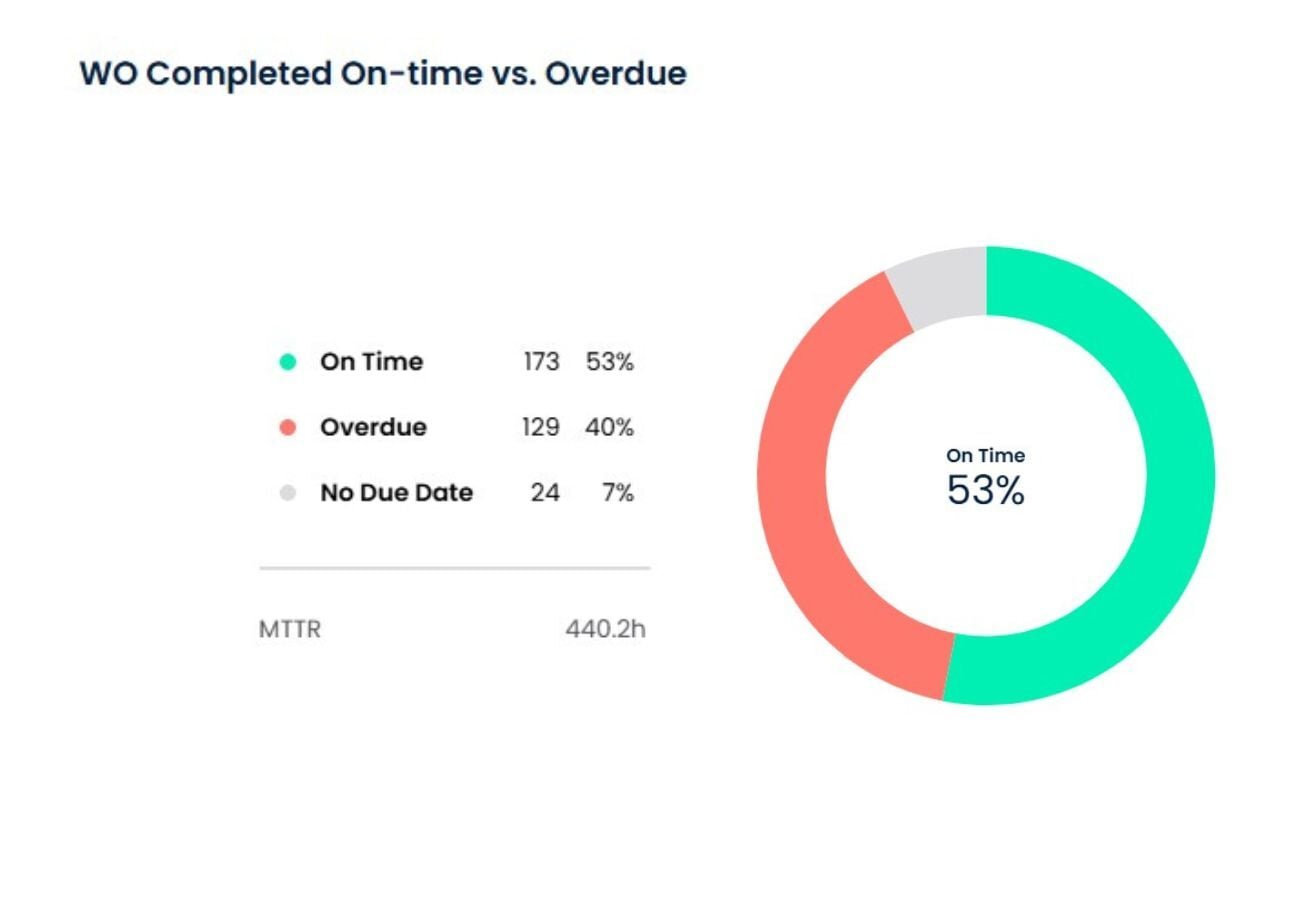
Turn maintenance data into actionable insights with real-time dashboards and customizable reports. Monitor work order performance, preventive maintenance compliance, asset reliability, downtime, labor, inventory, and maintenance costs. Measure what matters and make data-driven decisions with confidence.

Ready to see more?

See how Click Maint fits your maintenance team.

Start with a product tour or connect with a Click Maint expert for a live walkthrough.